Split by people
Enter the number of guests and Live works out each share, then tracks what’s left as each person pays.
Table service
See every table by area, marked free, open or parked with its running total. Take the order at the table, then split, combine or print a bill check at the end.
The short answer
Knowing which tables are free and what each one owes, without walking the floor to check.
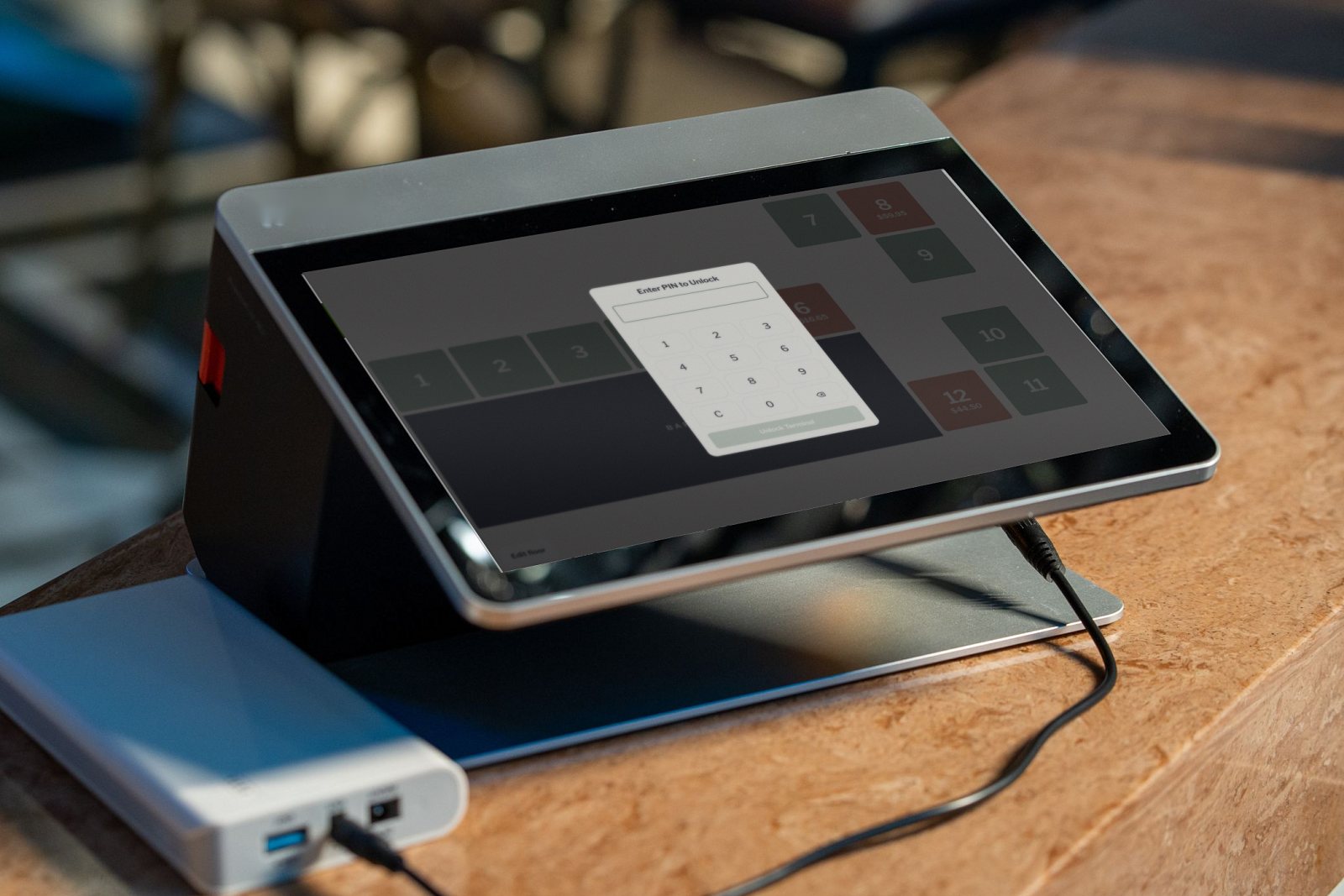
Live’s floor plan shows every table by area, marked free, open or parked, with the open bill total on the table. Tap any table to start or reopen its order.
The order
From the first tap to the final payment.
Start a new order, or reopen the one already on the table.
Products with their modifier groups, including required picks and priced extras.
Order notes for the kitchen and bar on any order.
Park the order on its table and pick it up later.
Print a bill check from the pay screen for the table to look over.
Cash shows the change due, and cards go through your own EFTPOS terminal.
The pay screen
Every way a table might want to pay, in one place.
Enter the number of guests and Live works out each share, then tracks what’s left as each person pays.
Move items onto each guest’s bill and take payment for each one separately.
Move one table’s order onto another, so a group that joins up pays on one bill.
Add a tip as its own amount, recorded against the staff member and table.
Pick a named preset such as Member 5% or VIP, or enter a custom percent or dollar amount.
Record what the platform pays you and see the variance against the menu total.
Cash shows the change due. Card goes through your EFTPOS and is recorded on the order.
Every void records a reason and the staff member, and can email the owner.
Your floor
Your room, drawn the way it really looks.
Name the areas of your venue, such as the bar, dining room or deck, and switch each on or off.
Each table with its name, area, capacity and size.
Drag a table to move it. Select several and pull a corner to resize them together.
Which plan
The floor plan, split bills and combined tables are on every plan.
The floor plan, orders, split bills, payments and discounts, on one register.
Up to 4 registers, plus happy hour, members, rostering, stock and reports.
Everything in Standard, plus tips, petty cash and drivers, for each venue.
GST included. Billed monthly: Floor $49, Standard $95, Multi-venue $149 per venue a month. Compare plans
FAQ
Yes. Floor, from $41 a month billed yearly or $49 billed monthly, including GST, includes the floor plan, orders, payments and discounts.
Yes. Drag tables into place in the floor editor, or select several and resize them together, then save.
Yes. Split the bill by the number of guests or by items, and Live tracks what’s left to pay.
Yes. Print a bill check from the pay screen, with its own title and line.
Book a demo and upload your menu. We’ll show you the floor plan, an order and a split bill on your own dishes.