Tiers and rules
Your own tiers, with automatic moves on spend, orders or visit frequency.
Membership POSClub POS
Create your own member tiers, move members up automatically, and apply their discount at the bar with a barcode scan. Every drink, discount and void is on record.
The short answer
Recognise members at the bar, reward them on rules you set, and keep a clear record of every discount.
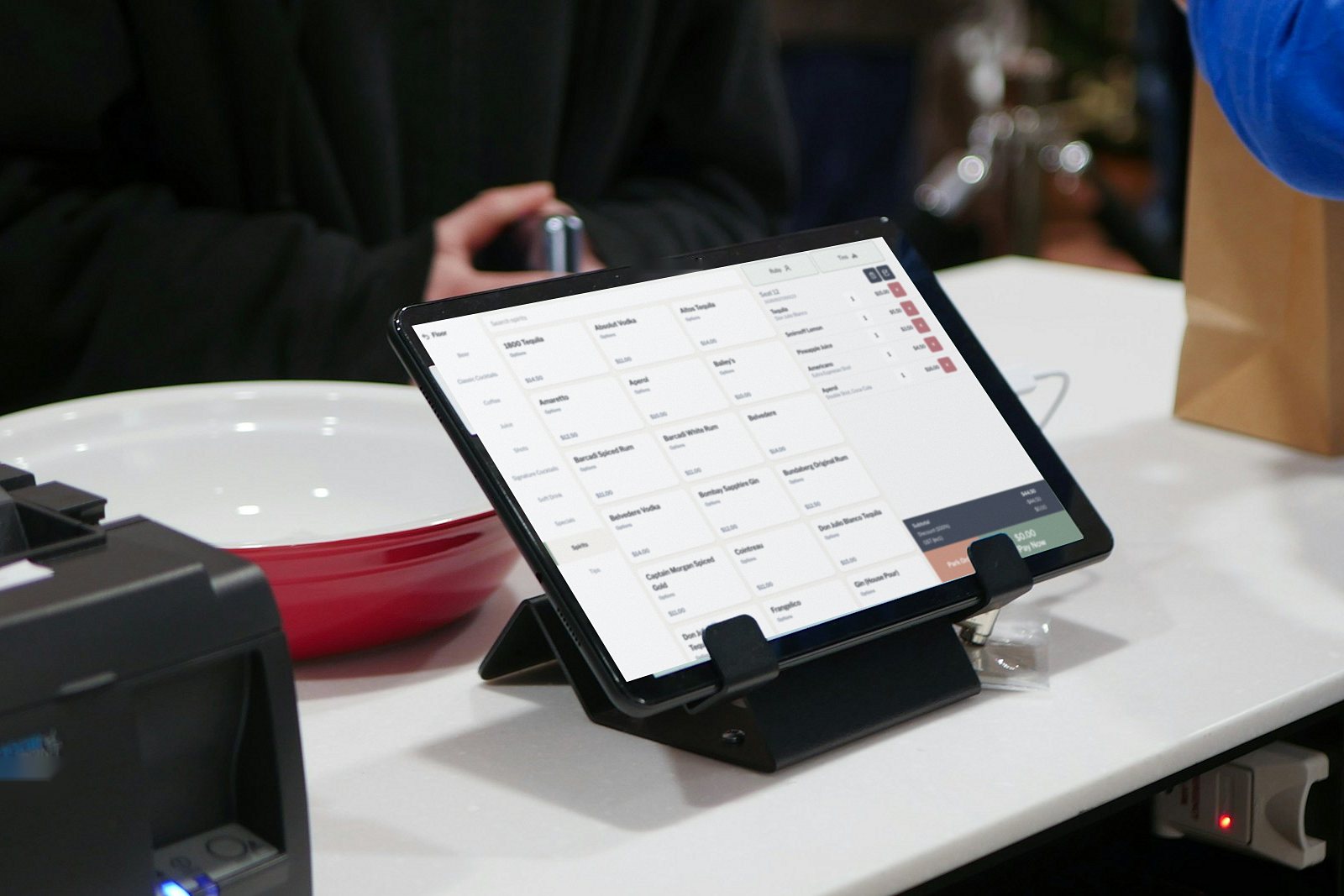
Live has members built in from Standard. You design the tiers, set the rules for moving up, and link a discount to each tier. Bar staff scan a member’s barcode and the right discount applies, recorded against the staff member and the order.
A club night on Live
From opening the bar to the Sales by member report.
3:00 pm
Open the till with its float. Staff sign in with their own PIN.
4:00 pm
Sign them up at the bar with their name, contact details, barcode and tier.
6:00 pm
Scan a member’s barcode and their tier discount applies. Their name can print on the receipt.
7:30 pm
Your weeknight special runs at the times you set, for the drinks you chose.
9:00 pm
A member reaches your visit rule and moves to the next tier automatically.
11:00 pm
Close each till, then open Sales by member to see what members spent tonight.
Built for clubs
The tools that keep members happy and the books clean.
Your own tiers, with automatic moves on spend, orders or visit frequency.
Membership POSFind a member by barcode scan or from the list, and sign new members up at the till.
Tier discounts are logged with the staff member and order in the Discounts export.
Up to 4 registers at one venue on Standard, each area on the floor plan.
Owner, Manager and Staff. Only managers and owners open members, the dashboard and sales history.
Each member’s spend, orders and last visit, plus Sales by member and Members exports.
Which plan
Clubs choose Standard or Multi-venue, where members are included.
Members and tiers, happy hour, rostering, stock and reports, with up to 4 registers.
For more than one venue: everything in Standard plus tips, petty cash and drivers.
GST included. Billed monthly: Standard $95, Multi-venue $149 per venue a month. Compare plans
FAQ
Yes. Create named discounts as a percentage or an amount and link each one to a member tier.
Managers and owners. The members module, the dashboard and sales history are reserved for those access levels.
Yes. Standard includes up to 4 registers at one venue, with the bar and bistro as areas on the floor plan.
Yes. Each member shows their spend, orders and last visit, and the Sales by member export covers any date range.
Book a demo and upload your menu, and we’ll show you a member sale on your own drinks.