Milk, size and shots
Option groups with minimum and maximum picks, each option with its own price extra.
Café and coffee shop POS
Milk, size and extra shots as options priced your way, stock counted by the ml, and takings by hour so you know when to roster a second barista. Runs on the tablet already on your counter.
The short answer
Take a coffee order with every option in a few taps, charge the right extras, and show you when your rush really happens.
In Live, milk, size and shots are option groups with their own price extra and stock quantity, so oat milk adds its charge and comes off your oat milk stock. Name spots on your floor plan, such as Counter 1 or Window 2, and park each order against one until it’s collected.
A weekday on Live
From the first flat white to the last pastry.
6:30 am
Count the float in and sign in with your own PIN.
7:15 am
A large oat flat white with an extra shot: tap the coffee, pick size, milk and shot, and the extras are priced for you.
9:00 am
Tap a table on the floor plan, add food and coffees, and park the order until they’re ready to pay.
11:30 am
Record an Uber Eats or DoorDash order with the delivery button, and see the variance against your menu total.
1:30 pm
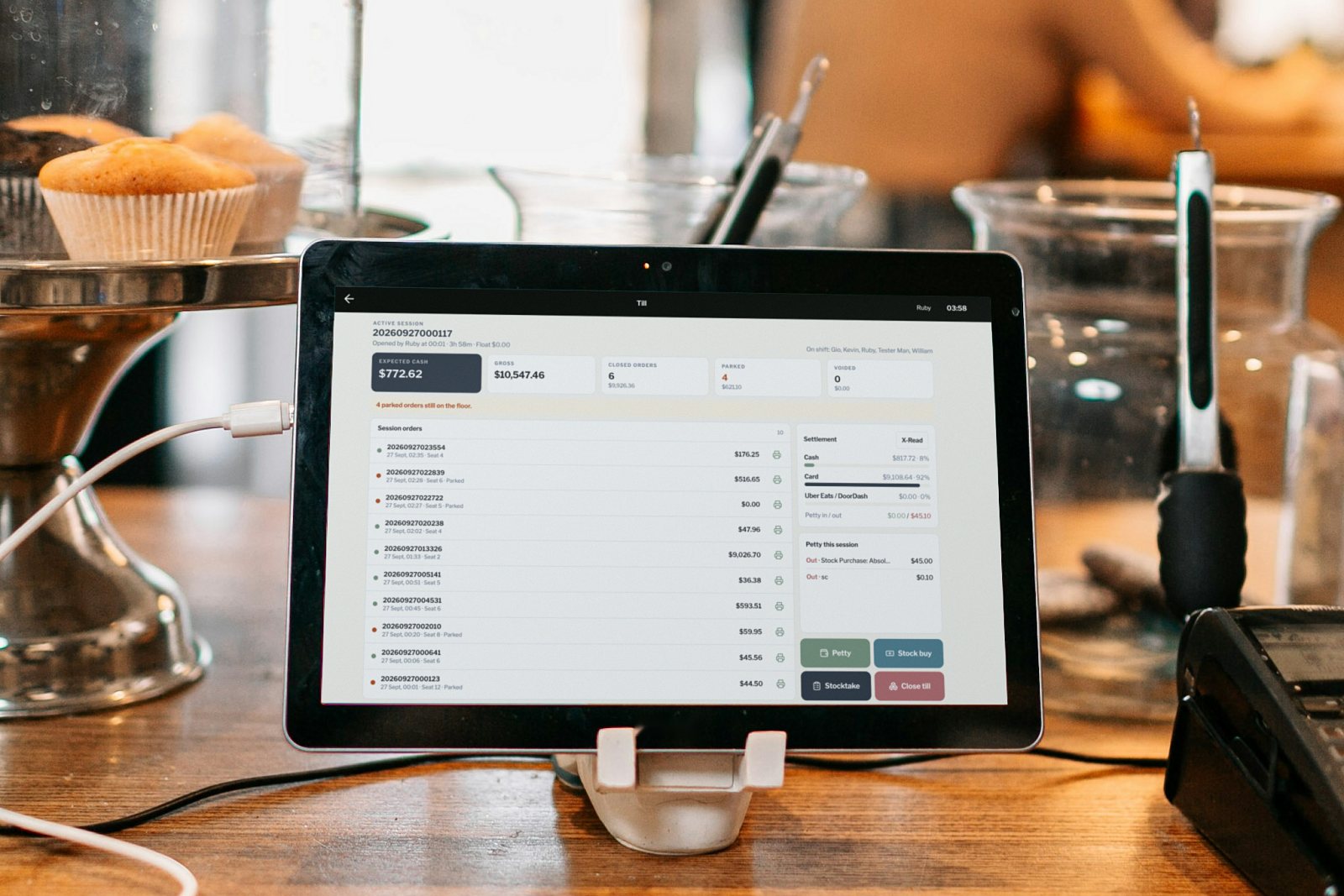
Book it with Stock buy at the till: items, pack quantity, price and a photo of the invoice.
3:00 pm
Close the till against your EFTPOS settlement. On Standard, takings by hour show when the rush peaks.
Built for cafés
The tools behind a smooth morning, from first coffee to close.
Option groups with minimum and maximum picks, each option with its own price extra.
Milk, beans and syrups in ml or grams, deducted by recipe on every sale.
Name areas and tables your way, such as Counter, Window or Courtyard.
See your busiest hours, top products and payment mix on the dashboard (Standard).
Member tiers with their own discounts, found at the till by barcode (Standard).
Membership POSA set price or discount on chosen items between the times you pick (Standard).
Scheduled specialsWhich plan
Small cafés start on Floor. Cafés with regulars and specials choose Standard.
One counter and one register: orders with options, tables, payments and till close.
Up to 4 registers, plus members, afternoon specials, rostering, stock and takings by hour.
For groups of cafés: everything in Standard plus tips, petty cash and drivers, per venue.
GST included. Billed monthly: Floor $49, Standard $95, Multi-venue $149 per venue a month. Compare plans
FAQ
Yes. Each option has its own price extra, and can deduct its own stock, so an extra shot or a plant milk is charged and counted.
Set up a Counter area on your floor plan with named spots, and park each order against a spot until it’s collected and paid.
Yes, from Standard. Create your own member tiers with their own discounts, sign regulars up at the till and find them by barcode.
Yes. Live runs in the browser on any tablet or computer, and we connect your receipt printer during free setup.
Book a demo and upload your menu, and we’ll set up your demo with your own coffees and options.