Table service
A floor plan by area, orders with modifiers and notes, and a pay screen that splits any way.
Table service POSFeatures
Everything Live does, from the first table to the Z-read. The big four have their own pages; the back office detail is below.
Start here
It takes orders at the table, runs your specials on time, knows your members and rosters your team. Pick a feature for the detail.
A floor plan by area, orders with modifiers and notes, and a pay screen that splits any way.
Table service POSDays, times and four offer types, applied by the till automatically.
Happy hour POSYour own tiers, automatic tier rules and member discounts at the till.
Membership POSRoster by position, clock on at the till, timesheets and payroll export.
Rostering and timesheets24/7 Australian support and free full setup.
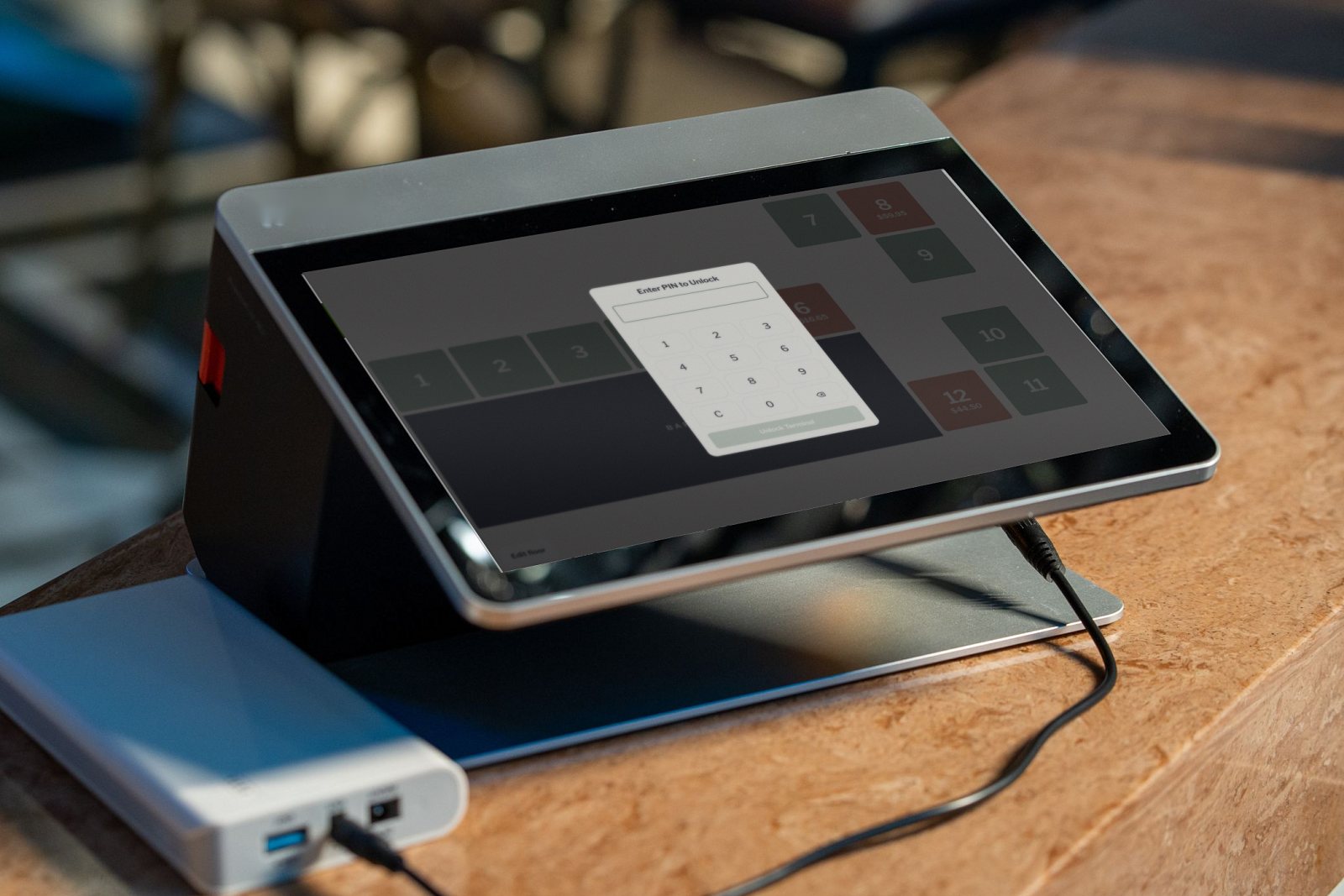
Support and setupPersonal PINs, three access levels and a reason on every void.
Security, belowSecurity
Every action on the till is tied to a person, and managers decide who sees what.
Money
Each shift from float to close, every payment, and 20 CSV exports for your bookkeeper.
Sales history for any date range. Search by order, table or staff, open an order to see its lines, payments and total, reprint the customer or merchant slip, and refund an order with a reason.
Every payment for any date range, by cash, card or delivery platform, searchable by order and ready to export.
Every movement in and out of the drawer, with category, description, staff member and receipt photo, and the net for the range.
Every delivery booked at the till, with supplier, lines, delivery fee and the supplier invoice photo.
Create named discounts as a percentage or an amount, link one to a member tier, and see every discount given with order, staff member and reason.
Choose a date range and download any of the 20 CSV exports listed below.
Each shift from float to close: expected and counted cash, card settled, cash and card variance, orders, petty cash and stock purchases.
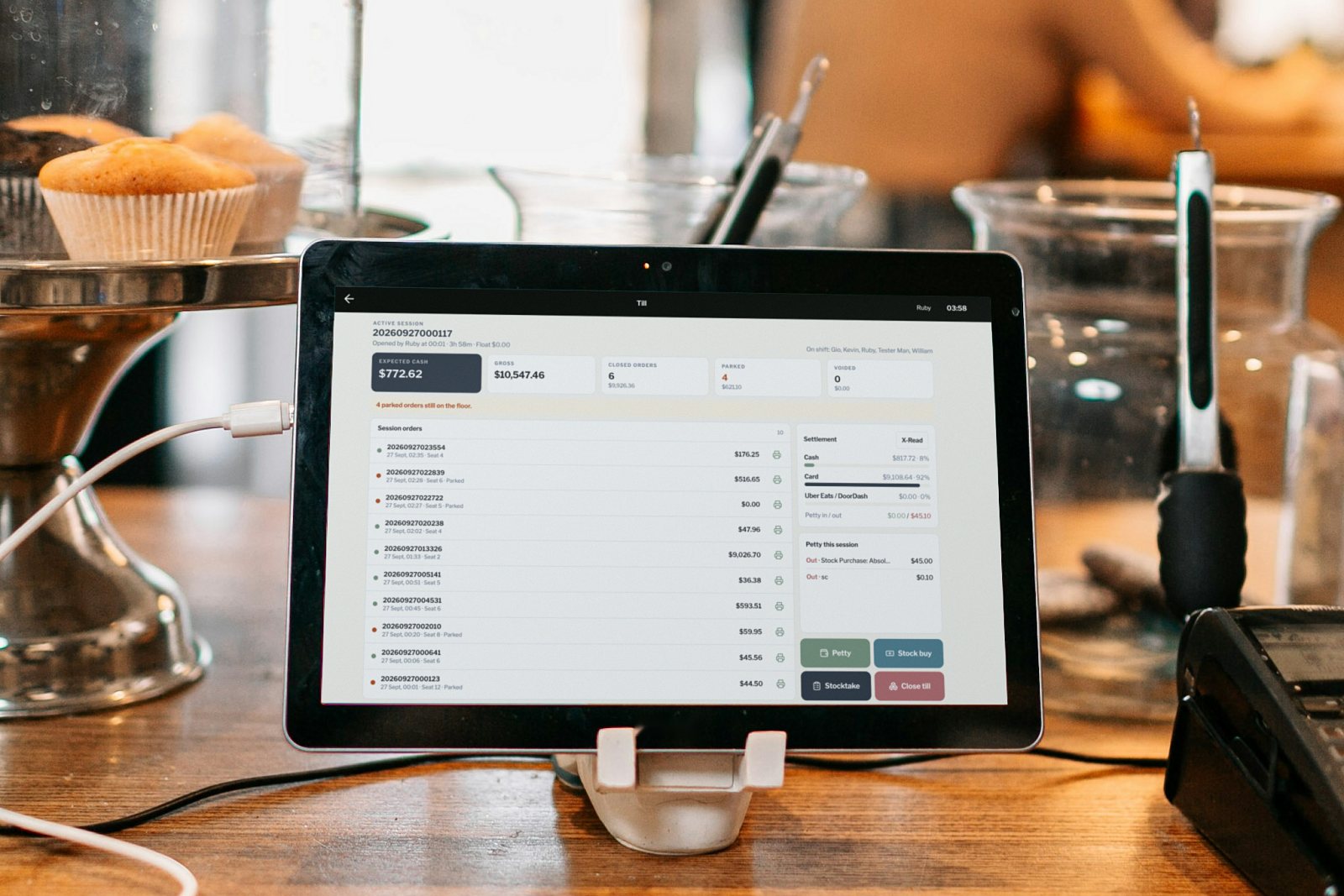
Dashboard and reports included in Standard and Multi-venue. Every plan includes the Z-read.
People
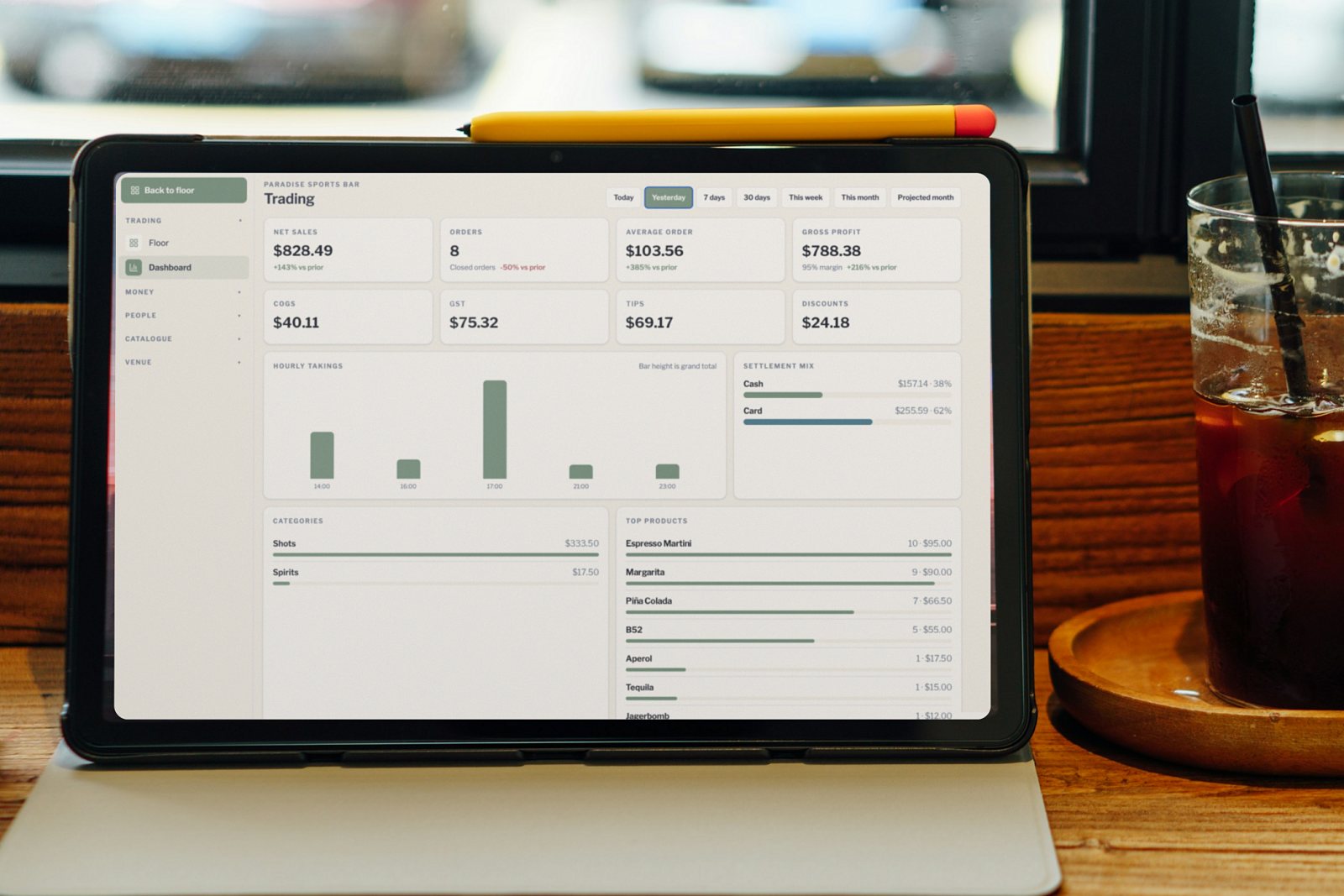
Staff, members and drivers each have their own module in the back office.
Each staff member with full name, position, access level (Owner, Manager or Staff), personal PIN and active status. Rosters, timesheets and tips have their own page.
Rostering and timesheetsYour own tiers, automatic tier rules and tier discounts, with each member’s spend, orders and last visit.
MembershipLink an order to the driver who brought the guests in, by name or barcode, and see each driver’s covers, customer spend and last drop.
Staff, rosters and members are included in Standard and Multi-venue. Tips and drivers are included in Multi-venue.
Catalogue
Every sale deducts stock by recipe, and deliveries and stocktakes keep it accurate.
Stock items in ml, grams or pieces, with pack volume, pack cost, supplier, reorder point and current stock. Low-stock items are flagged.
Each category marked Bar or Kitchen, set active or inactive, and coded to its Xero account.
Sale price, category and tax, a recipe of stock ingredients with cost and margin, drink specs for prep, glass and ice, and linked modifier groups.
Modifier groups with minimum and maximum picks, and options with a price extra, tax and a stock pour quantity, linked to the products they apply to.
Included in Standard and Multi-venue.
Venue
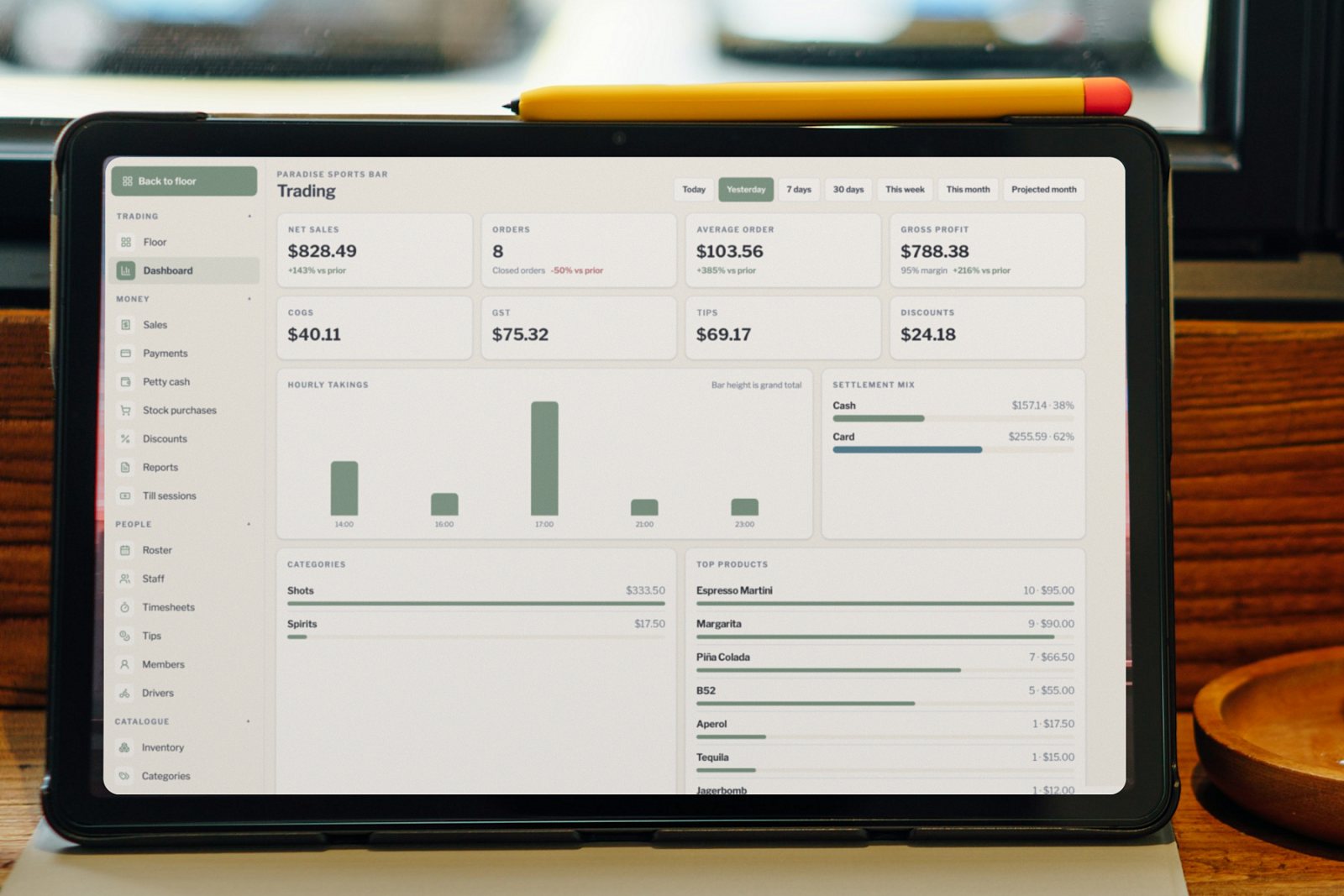
Your details, receipts, tax and owner alerts live in the Venue menu. The floor plan has its own page.
Venue details, receipt and bill-check layout, tax and service charge, Xero account codes, petty cash categories, happy hour and owner email alerts.
Name the areas of your venue, such as the bar, dining room or deck, and switch each one on or off.
Tables and the floor editor are covered on table service.
Devices & integrations
The tablets, computers and printer you already have, with your own EFTPOS terminal.
Any modern web browser on a tablet or computer, with the same screens on every terminal.
Floor: one register. Standard: up to four registers. Multi-venue: priced per venue, each with its own menu, floor plan and till.
Print receipts and bill checks on the printer you already have. We connect it during setup.
Works with the EFTPOS terminal you already have, whether Tyro, Zeller, Square or your bank’s. No payment lock-in, and card takings reconcile at close.
Xero-ready exports, with Xero, MYOB and other accounting connections available on request.
Anything else you need connected is quoted separately.
Plans cover the software. Use your own tablets, printers and cash drawer.
Book a demo and upload your menu, and we’ll walk you through the features your venue will use most.